
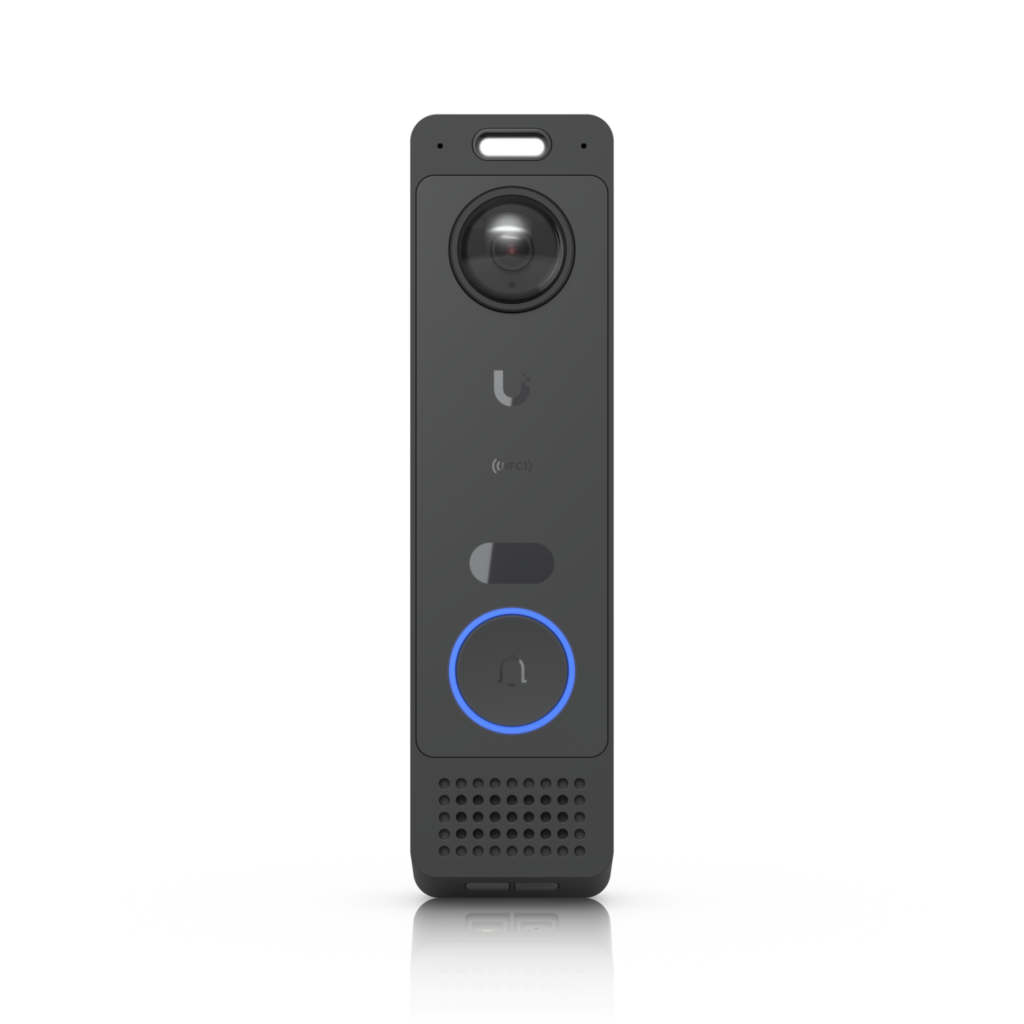
What is the UniFi G6 Entry?
The UniFi G6 Entry is a smart door intercom and access controller that allows users to easily manage visitors, open doors and centrally control access rights
Main functions
1. Smart access control
With the UniFi Access software you can easily manage who gets access to buildings, offices or homes.
2. Integrated camera
The built-in camera provides live video footage and extra security at the entrance.
3. Works within the UniFi ecosystem
The G6 Entry integrates seamlessly with other products from Ubiquiti Networks such as UniFi Protect, switches and network controllers.
4. Mobile operation
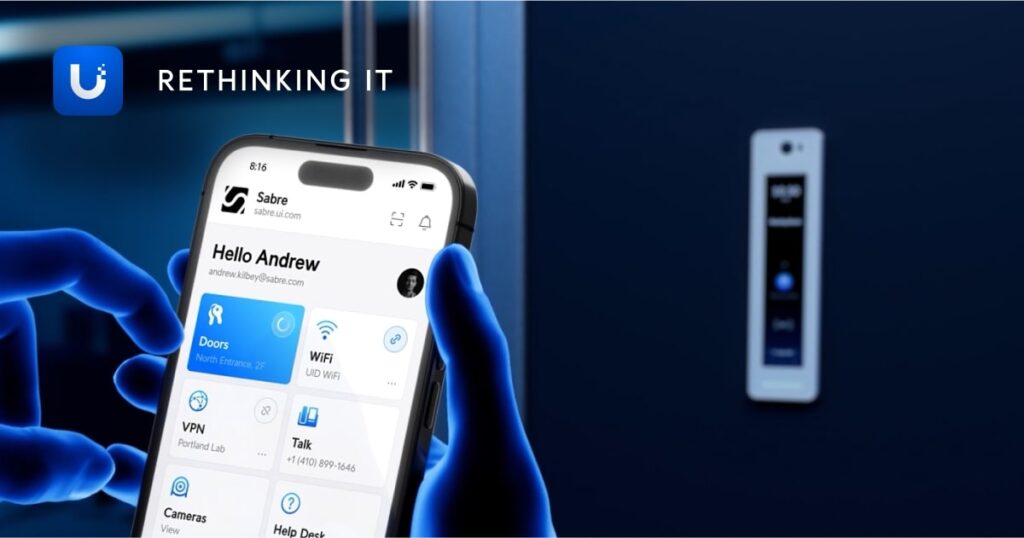
Users can open doors via smartphone or manage access rights remotely.
Design and build quality
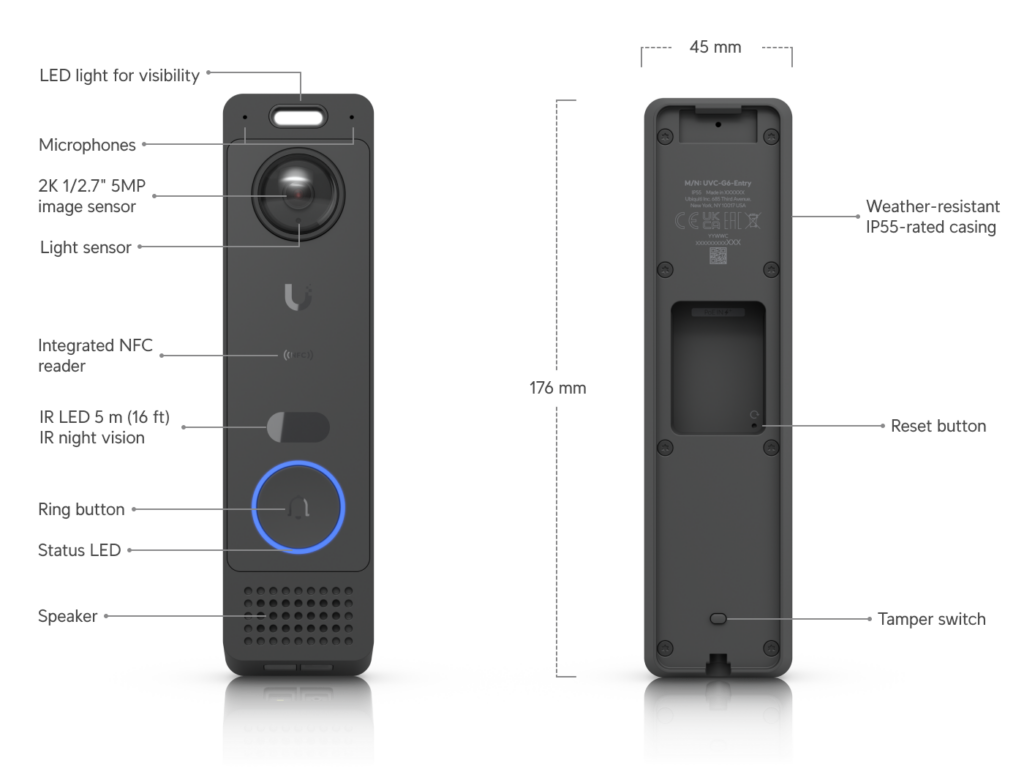
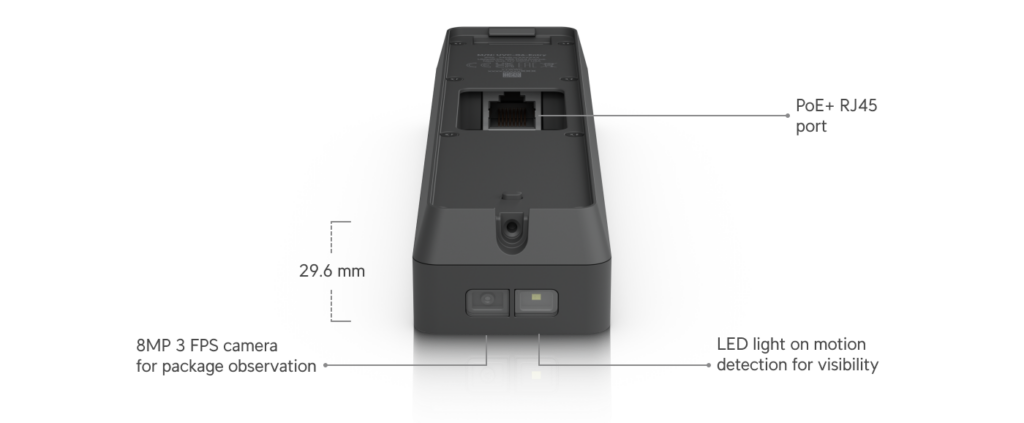
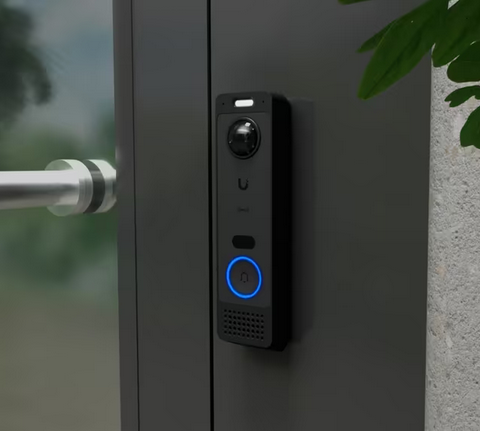
The UniFi G6 Entry has a modern and minimalist design that fits well with modern homes and professional business environments.
Thanks to the robust housing, the system is resistant to different weather conditions, making it suitable for outdoor installations.
Who is the UniFi G6 Entry suitable for?
The G6 Entry is ideal for:
- Modern homes
- Apartment complexes
- Small and medium-sized businesses
- Offices with access management
- Smart home installations
Pros and Cons
Pros
Professional access control
Simple central management
High image quality
Integration with UniFi ecosystem
Modern appearance
Cons
Requires UniFi Access environment
Higher investment than standard doorbells
Installation requires basic network knowledge
Installation and configuration
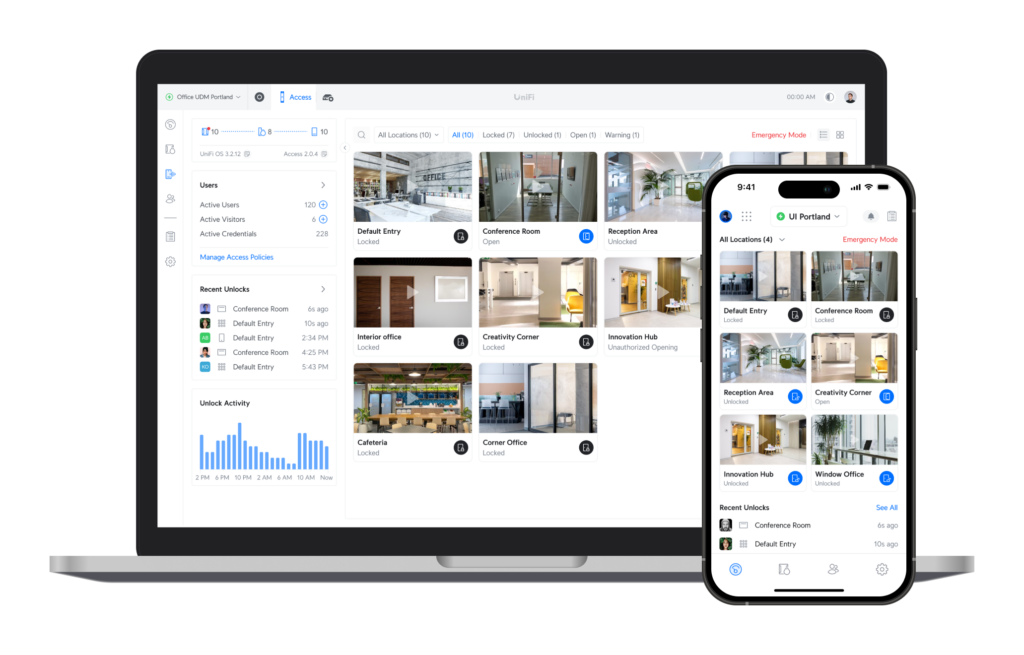
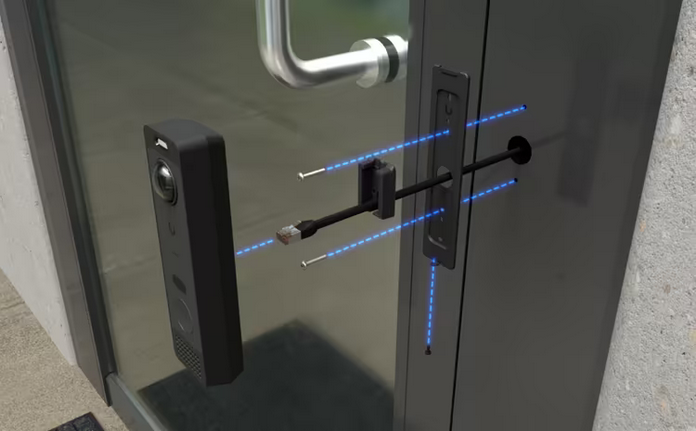
The installation is usually done via the UniFi Access platform:
- Mount the G6 Entry next door
- Connect to PoE network
- Add the device via UniFi Access
- Configure users and access rights
PoE (Power over Ethernet) only requires one network cable for both power and data.
Why choose UniFi G6 Entry?
The UniFi G6 Entry is a powerful solution for modern access control. The system combines security, smart features and professional integration into one compact device.
For users who already work with UniFi products, the G6 Entry is a logical expansion of the ecosystem.
More information is available via the official website of Ubiquiti. “click here”